Decide in 5 Questions: Landing Page vs Website for Small Businesses

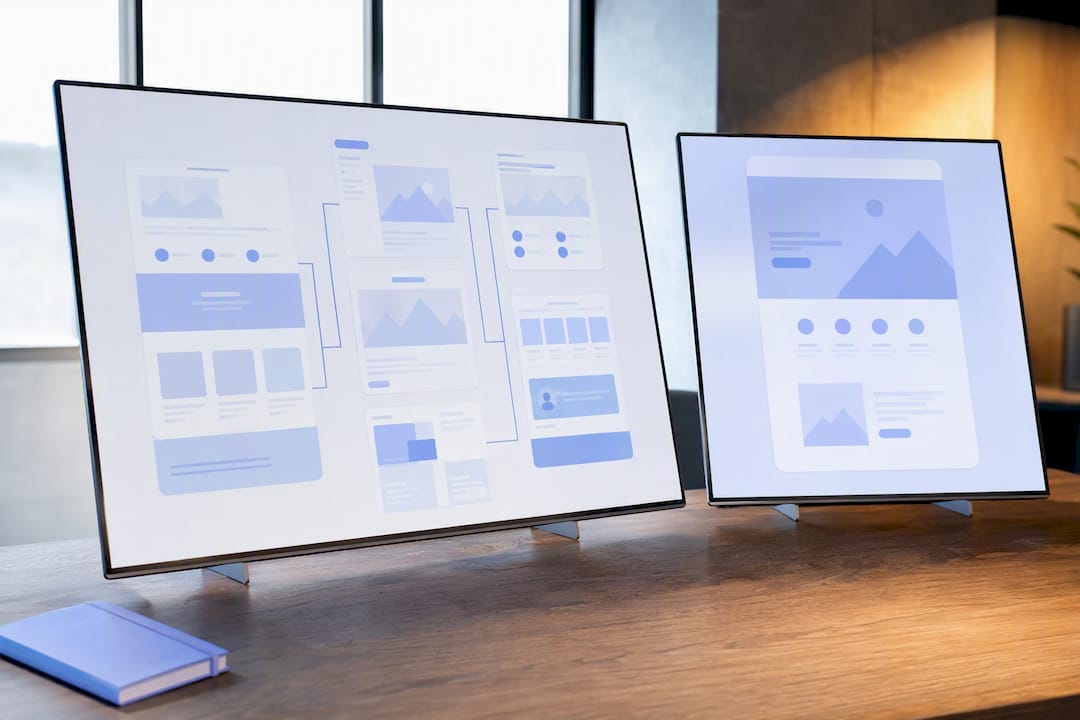
A website is a multipage hub built for exploration and long-term visibility. A landing page is a single-purpose page built to get one specific action. If you’re running a campaign, promoting an offer, or launching a product, build a landing page. If you’re building brand presence, selling multiple things, or need people to find you organically, build a website. Most serious businesses eventually need both.
TL;DR:
- Landing pages are best suited for campaigns, product launches, or offers, as they focus on a single action and typically have no navigation.
- Full websites are essential for long-term brand building, SEO, and supporting multiple goals like ecommerce, content, and customer support.
- Building a landing page takes days using templates and requires minimal ongoing maintenance, while websites usually take weeks and incur ongoing costs.
- For paid ads and email campaigns, directing traffic to a landing page improves conversion rates by removing distractions, unlike sending visitors to a homepage.
- Combining both involves hosting campaign pages on your main domain with proper tracking, and transitioning to a full website as your business scales.
Table of Contents
- Landing page vs website: what a website actually gives you
- Landing page vs homepage: what makes a landing page convert
- Landing page vs website: the differences that actually matter
- When to use a landing page vs a website
- How to choose: a decision checklist
- Mixing both: how landing pages and websites work together
- How Tech Business Development helps you build the right one
- The mistake I see most often
- Get your landing page or website built right the first time
- Sources
- FAQ
Landing page vs website: what a website actually gives you
A website is a group of linked pages under one domain, usually including a homepage, an about page, a services or products section, contact details, and often a blog. It’s built for multiple goals at once: brand awareness, customer support, ecommerce transactions, and content marketing all live under one roof.
The payoff shows up over time, not overnight. Search engines reward sites with more indexed pages, internal links, and fresh content, so a website you update regularly becomes a compounding asset. It also builds trust in a way a single page can’t. A visitor checking three competitors before choosing a plumber or a consultant tends to click through to the “about” and “reviews” pages before calling anyone.
A basic website typically covers:
- Home, about, services or products, and contact pages at minimum
- Navigation menus that let visitors explore at their own pace
- A blog or resource section that feeds long-term SEO
- Integration points for booking, payment, or CRM tools
- Analytics setup (GA4, heatmaps) to track behaviour across the whole journey
Building one properly usually takes a few weeks, not a few hours, and ongoing maintenance (security updates, content additions, performance checks) is part of the cost, not a one-time expense. If you sell more than one product, run an online store, or need customers to find you through Google search over months and years, a website isn’t optional.
Landing page vs homepage: what makes a landing page convert
A landing page is a standalone page built for exactly one purpose: getting the visitor to take one action. Unlike a website’s multipage structure, a landing page strips away everything that isn’t directly related to that single goal, including the main navigation menu in most cases.
The elements that actually move conversion rates aren’t decorative. They’re functional:
- A headline that states the offer in plain language — no clever wordplay, just what the visitor gets.
- A clear unique selling proposition — why this offer beats the alternative the visitor was considering five minutes ago.
- One dominant call to action, repeated two or three times down the page, never competing with a second CTA.
- Social proof — a testimonial, a client logo, a review count — placed close to the CTA, not buried at the bottom.
- Short, scannable supporting copy that answers objections instead of describing features nobody asked about.
- Minimal or no navigation, since every extra link is an exit ramp away from the one action you want.
Behind the scenes, a working landing page needs a form or click target connected to a CRM, a tracking pixel for the ad platform driving traffic, and a UTM tagged link so you know exactly which ad or email sent the visitor. None of that requires a developer. Most landing page builders let a small business owner assemble one in an afternoon, which is part of why they’ve become the default starting point for anyone launching a paid campaign or an email promotion on a tight timeline. Speed and low cost are the real advantage here, not polish.
Landing page vs website: the differences that actually matter
Put side by side, the gap between these two formats isn’t subtle once you know what to look for.
- Purpose: a website invites exploration across many goals; a landing page pushes toward one decision.
- Navigation: websites have menus, footers, and internal links; landing pages usually cut navigation entirely to avoid distraction.
- Content scope: a website tells a broad brand story across dozens of pages; a landing page makes one focused argument in a few hundred words.
- Conversion mechanics: a website might ask for a newsletter signup on one page and a purchase on another; a landing page asks for exactly one thing, measured against one goal.
- SEO and lifespan: websites accumulate authority over months and years through content and backlinks; landing pages are often built for a campaign window and taken down or archived after it ends.
- Time and cost to build: a landing page can go live in a day or two using a template; a full website typically takes several weeks and carries ongoing maintenance costs.
The navigation difference deserves more attention than it gets. Strip the menu off a page and you remove every reason a visitor has to leave before converting. That’s not a design trend, it’s math: fewer exits, higher conversion. Unbounce’s own comparison of the two formats found that landing pages built around a single goal outperform homepages for paid traffic precisely because there’s nowhere else to click.
Measurement works differently too. A website’s success gets tracked across dozens of micro conversions: time on page, pages per session, return visits, form fills scattered across different pages. A landing page has one KPI. It either converted the visitor or it didn’t, and that binary clarity is what makes landing pages so easy to A/B test. Change the headline, run the traffic split, read the result in days rather than months.
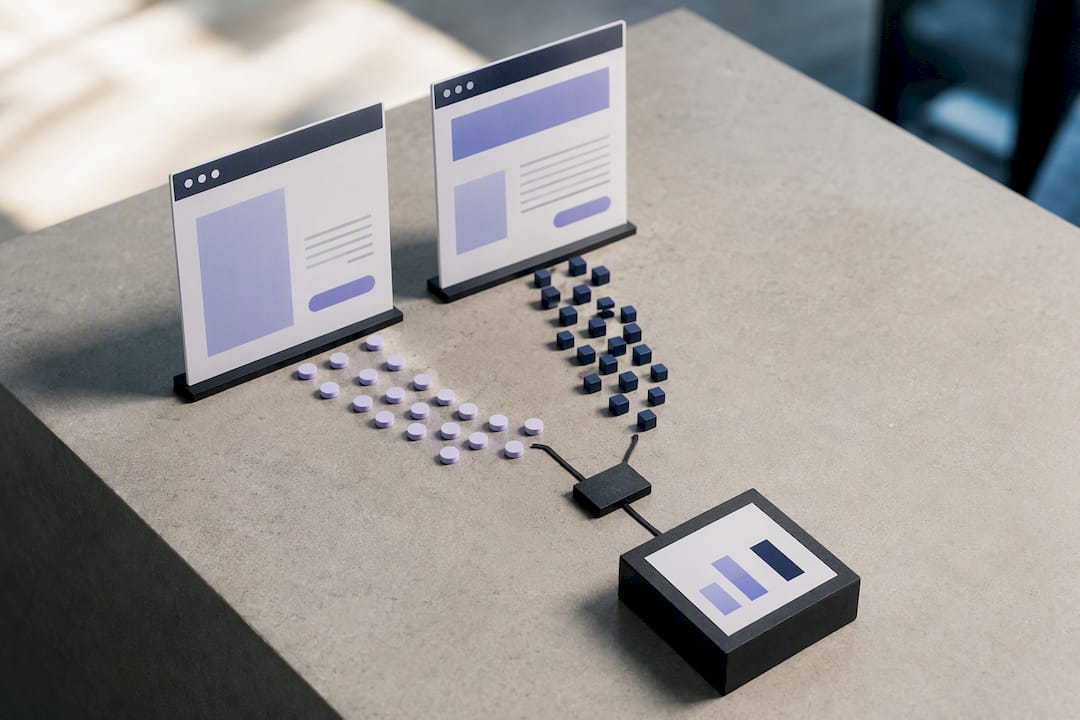
Cost follows the same logic. A landing page skips the expense of navigation design, multiple templates, and content for pages nobody’s driving traffic to. A website spreads its cost across everything it needs to support: search visibility, customer service content, product catalogues, and design consistency across dozens of pages. Neither is inherently cheaper. They’re built for different jobs, and the price tag reflects the job, not the format itself.
When to use a landing page vs a website
The right choice depends less on preference and more on what’s driving the traffic. Match the format to the source, and most of the guesswork disappears.
- Paid ads and email campaigns → landing page. Sending click traffic to a homepage instead of a dedicated page is one of the most common ways businesses waste ad spend, because homepages dilute the specific intent that got someone to click in the first place.
- Product launches and live events → a landing page with urgency built in: a countdown, limited seating, an early bird price that expires.
- Ecommerce stores and businesses with multiple services → a website, full stop. You can’t run a catalogue or a service menu off one page.
- Portfolios, consultants, and personal brands → a website as the home base, with landing pages spun up for individual offers, webinars, or lead magnets.
- Local service businesses → a website for the credibility work (reviews, service area pages, licensing info), paired with landing pages for seasonal promotions or specific campaigns, the same pattern covered in how local businesses combine organic presence with paid campaigns.
A dentist opening a second location doesn’t need a new website. They need a landing page announcing the location, running for the eight weeks before opening, then folded into the main site once it’s operating. A software company launching a new feature doesn’t rebuild its site either. It builds one page, points a campaign at it, and measures signups before deciding whether the feature earns a permanent home in the main navigation.
The pattern repeats across industries: the website is infrastructure, the landing page is a tool you pick up for a specific job and put down when the job is done.
How to choose: a decision checklist
Run through these five questions before building anything, in this order:
- What’s the one action you want this page to drive? If you can’t state it in one sentence, you’re not ready to build either format.
- Where is the traffic coming from? Paid ads and email point toward a landing page; organic search and referrals point toward a website.
- What’s your timeline and budget? A landing page can launch in days on a modest budget; a full website needs weeks and a bigger commitment.
- How will you measure success? One conversion event (a form fill, a purchase) means landing page; multiple engagement signals over time mean website.
- Does this need to exist in six months? Campaign specific content gets a landing page; anything meant to represent your business long term gets a website.
Before hiring anyone, ask them directly: What’s the single CTA on this page? How will you track conversions? What happens to this page after the campaign ends? Will it hurt or help my existing site’s SEO? What’s the realistic timeline?
Three red flags say you’ve picked the wrong format: a landing page with a full navigation menu bolted onto it, a website homepage being used as the destination for a paid ad campaign, or a campaign page with three competing calls to action instead of one.
Pro Tip: Pick one primary KPI before you build anything; conversion rate for a landing page, organic traffic growth for a website, and track a secondary metric (bounce rate or average session duration) from day one so you have a baseline before you start optimizing.
Mixing both: how landing pages and websites work together
Most businesses that scale past their first year run both formats at once, and the wiring matters. You can host a campaign page on your main domain (yourbrand.com/offer), on a subdomain, or on a third-party builder, and each choice affects your site’s search authority differently.
- Main domain: strongest SEO benefit, since the page’s authority feeds the whole site.
- Subdomain or third-party builder: faster to launch, but keep it noindexed or canonicalized back to your main site if the content overlaps, so you’re not competing against yourself in search results.
- Attribution basics: UTM parameters on every campaign link, a tracking pixel from your ad platform, and where possible, server-side tracking to survive browser privacy changes.
- Typical flow: ad click, landing page, form fill, automated handoff to your CRM through lead capture automation, follow-up sequence, and eventually a link back to the main site for anyone who converts.
Treating the website as your long-term home base and the landing page as the campaign tool keeps both assets doing what they’re actually good at.
How Tech Business Development helps you build the right one
DIY works fine for a single, simple landing page. It stops working once you need GA4 tracking, ad account setup, CRM integration, and a website that can scale with you. They build both: starter landing pages for a specific campaign, and full websites with analytics, automation, and conversion optimization wired in from day one.
A typical starter engagement covers a working page or site, Google Ads and GA4 setup, and a tracking foundation you actually own. Full services and pricing are listed for anyone ready to move past the DIY stage.
The mistake I see most often
The most common error isn’t choosing the wrong format. It’s letting a homepage double as a conversion page for paid traffic. Fix that one thing first: measure conversion on a dedicated page, and cut every distraction that isn’t the single action you want. Our conversion rate breakdown has more detail on what to cut.
— Shayan Shirvani
Get your landing page or website built right the first time
Tech Business Development is the alternative to hiring a generalist agency or piecing together five different tools yourself: one team handles the site build, the tracking setup, and the ad account, all connected from the start instead of bolted together later.

If you already know you need a fast landing page for a campaign, that’s a scoped project. If you’re past the point of needing one page and need a real website with GA4, GTM, and Google Ads wired in correctly, the Website Development & SEO and Advanced Insights & Analytics services cover both. Packages start at the Startup tier, from $499 per month, scaling up to Growth and Scale for businesses running multiple campaigns or full ecommerce operations, all detailed on the pricing page. Book a starter engagement and get a working page or a properly tracked site live without spending weeks assembling it yourself.
Sources
For deeper detail on the distinctions covered here, HubSpot’s landing page vs website comparison, Unbounce’s landing page vs homepage breakdown, and Shopify’s take on when a landing page can replace a website back the claims made throughout this guide.
- Landing page vs website: What’s the difference? + How to Choose — HubSpot
- Landing page vs homepage vs website: What’s the difference? — Unbounce
- Landing pages vs websites: How to know when to use each one (plus examples) — Webflow
- Homepages vs Landing Pages: Where to Drive Paid Traffic for Higher Conversions — Neil Patel
FAQ
Do I need a website if I have a landing page?
Not always. If you sell one offer and don’t need ongoing SEO or multiple pages, a single landing page can function as your entire web presence. Most growing businesses eventually add a full website because multipage sites build long-term search authority that one page can’t match.
Can a landing page be a website?
Yes, in limited cases. A one-page site works for a single-offer business or a solo consultant, but most brands outgrow this setup once they add services, content, or ecommerce.
Are landing pages still relevant in 2026?
Very much so. They remain the standard destination for paid ads and email campaigns because they convert better than homepages by removing distractions and matching the visitor’s exact intent.
How do I create a landing page?
Start with one goal, one headline, one CTA repeated down the page, and social proof near that CTA. Builders make this fast to assemble without a developer; Tech Business Development’s Website Development & SEO service handles the build plus the tracking setup if you’d rather hand it off.
How much does Tech Business Development charge for a website or landing page build?
Pricing starts at the Startup plan, from $499 per month, with Growth and Scale tiers for larger projects. Full details are on the pricing page.