Why small business CRM saves time: a 2026 guide


A small business CRM (Customer Relationship Management system) is a software platform that saves time by automating data entry, follow-ups, and customer interaction tracking so owners and managers can focus on growth instead of administration. The biggest misconception is that CRM is only for large enterprises, yet early adoption by small businesses produces measurable productivity gains immediately. 75% of customers are willing to spend more with companies that deliver superior customer experiences, and a CRM is the operational backbone that makes that experience consistent. Understanding why small business CRM saves time starts with recognising what it replaces: scattered spreadsheets, missed follow-up reminders, and hours of manual data entry that quietly drain your week.
Why small business CRM saves time on admin tasks
The core time savings from a CRM come from automation, not from working harder. Modern CRM systems replace manual processes with automated email responses, reminders, and AI-assisted data entry, saving small business owners hours each week from day one.
The specific tasks a CRM automates include:
Manual data entry and multiple apps increase administrative burden and create silent productivity losses. A CRM centralises everything in one place, so your team stops switching between five different tools to find a single customer’s history.
Pro Tip: Set up at least three automated email sequences before your CRM goes live: a welcome sequence for new leads, a follow-up sequence for quotes, and a re-engagement sequence for cold contacts. Those three alone will recover hours every month.

The reduction in manual errors is just as valuable as the time saved. When data entry is automated, the same contact does not get two different phone numbers in two different spreadsheets. That kind of data hygiene pays off every time you run a report or call a client.
When should a small business switch to a CRM?
The right time to adopt a CRM is earlier than most owners expect. Small businesses reach a clear threshold for CRM necessity around 50 active prospects or when a second person needs access to customer records.
The warning signs that manual systems are failing you follow a predictable pattern:
Each of these signals points to the same root problem: your systems are reactive. A CRM shifts you to proactive management, where the software tracks what needs to happen next so you do not have to hold it all in your head.
Waiting too long to adopt a CRM creates silent productivity losses. Fragmented communication and lost customer history do not feel urgent until a deal falls through or a client leaves. By then, the cost is already paid.
The signs your business needs automation often appear gradually, which is exactly why owners underestimate them. A single missed follow-up feels minor. Twelve missed follow-ups over a quarter is a revenue problem.
How does CRM automation improve team workflows?
Most small business owners think CRM is a sales tool. The biggest time savings actually come from fixing operational handoff inefficiencies between departments. Successful CRM use requires adoption discipline over 30 days to break old informal habits and replace them with structured logging.
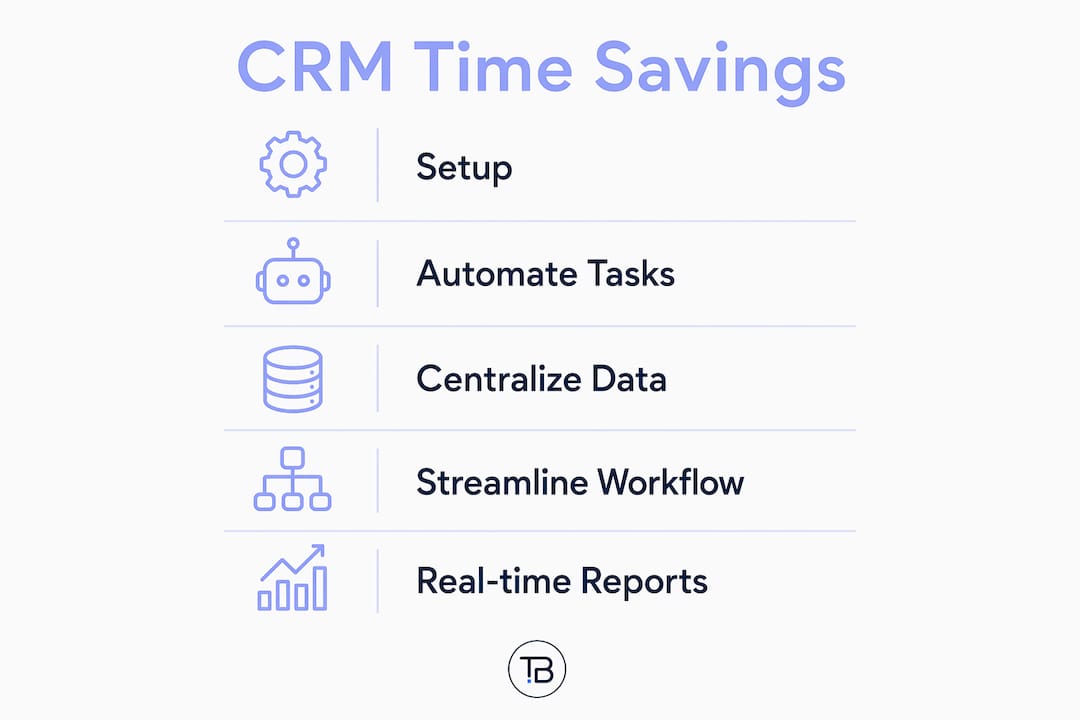
A CRM functions as shared infrastructure for sales, support, and marketing. Every team member sees the same customer record, the same interaction history, and the same pipeline status. That shared visibility eliminates the most common source of wasted time in small businesses: asking colleagues for updates that should already be documented.
Workflow problemWithout CRMWith CRM automationLead handoff from sales to supportVerbal briefing or forwarded email chainAutomatic task created with full contact history attachedFollow-up schedulingCalendar reminder set manually per repAutomated reminder triggered by deal stage changePipeline visibilityWeekly status meeting requiredReal-time dashboard accessible to all team membersCustomer history retrievalSearch through email threadsSingle contact record with all notes and interactions
Pro Tip: Treat your CRM like a shared team notebook, not a personal sales tracker. The moment every team member logs every interaction, the system starts paying for itself through time saved on internal communication alone.
The CRM workflow automations that deliver the fastest returns are the ones tied to pipeline stage changes. When a deal moves from “proposal sent” to “negotiation,” the CRM can automatically notify the right person, create a follow-up task, and update the forecast. That sequence used to require three separate manual actions.
Scheduling automation integrated with a CRM removes one of the most time-consuming back-and-forth exchanges in any service business: booking meetings. A client clicks a link, picks a time, and the CRM logs the appointment against their record automatically.
What CRM reporting features save time for small businesses?
CRM-native reporting is the highest-value feature for small businesses that want visibility without adding administrative overhead. Built-in analytics deliver pre-calculated reports on sales activity, customer behaviour, and pipeline health without requiring a separate reporting tool or a dedicated analyst.
The practical time savings from CRM reporting come from three areas. First, you stop building reports manually in spreadsheets. Second, you stop waiting for someone to compile data before a meeting. Third, you stop making decisions based on information that is already two weeks old.
CRM reports use hybrid pre-calculation and on-demand queries to balance speed and detail. Standard dashboards load instantly because the data is pre-processed in the background. Deep custom queries take longer but provide the granular detail needed for quarterly reviews. New users should expect that trade-off rather than treating any delay as a system failure.
The reporting features that small businesses actually use most are:
Generating CRM reports for small business decisions replaces hours of manual data gathering with a single dashboard view. That shift alone justifies the cost of most entry-level CRM platforms.
Key takeaways
A small business CRM saves time by automating routine tasks, centralising customer data, and delivering real-time reporting that removes the need for manual information gathering.
PointDetailsAutomate before you scaleSet up email sequences, reminders, and lead tracking before your prospect list grows past 50 contacts.Adopt early, not reactivelyWaiting until manual systems break causes silent productivity losses that are hard to recover from.CRM is team infrastructureShared visibility across sales, support, and marketing eliminates the most common source of wasted time.Use built-in reportingCRM-native dashboards replace manual spreadsheet reports and deliver real-time pipeline visibility.Commit to 30-day disciplineConsistent logging for 30 days is the threshold at which CRM adoption starts delivering measurable time savings.
Why I think most small businesses adopt CRM too late
The pattern I see most often is a small business owner who waits until something breaks before adopting a CRM. A major client gets lost. A proposal goes unanswered for two weeks. A team member leaves and takes all their contact notes with them. At that point, the CRM feels urgent. The problem is that the cost was already paid long before the crisis.
Viewing CRM as operational infrastructure rather than a software purchase changes how you implement it. Infrastructure gets built before you need it, not after. The businesses I have seen get the most out of their CRM are the ones that set it up when things were still manageable, not when they were already overwhelmed.
The 30-day adoption discipline is real and non-negotiable. For the first month, every interaction needs to be logged in the CRM even when it feels slower than your old system. That friction is temporary. The habit it builds is permanent. After 30 days, the data in your CRM becomes genuinely useful, and the time savings start compounding.
My advice: start with the three automations that address your biggest daily time drains. Do not try to configure everything at once. A CRM that is 40% configured and actually used beats a fully configured system that nobody logs into.
How Tech Business Development helps you implement CRM the right way
Getting a CRM running is one thing. Getting it to actually save time from week one is another. Tech Business Development works with small businesses to set up and configure CRM and automation services that match how your team already works, so adoption happens faster and the time savings are real from the start.

The team handles workflow automation, pipeline configuration, and reporting setup so you are not spending weeks figuring out the technical side on your own. Tech Business Development also integrates CRM with Google services, including GA4 and Google Ads, so your sales data and marketing data live in the same ecosystem. If you are ready to stop losing hours to manual admin, the services page is the right place to start.
FAQ
What does a CRM actually automate for small businesses?
A CRM automates email follow-ups, lead tracking, appointment reminders, task assignment, and data entry. These automations replace the manual work that consumes several hours each week for most small business owners.
How many contacts do I need before a CRM is worth it?
The practical threshold is around 50 active prospects or when a second team member needs access to customer records. Below that number, a spreadsheet may still be manageable, but growth past that point without a CRM creates measurable productivity losses.
How do CRM reports save time compared to spreadsheets?
CRM-native reports are pre-calculated and update automatically, so there is no manual data gathering before a meeting or review. Spreadsheet reports require someone to compile and format data, which adds hours of administrative work each month.
What is the biggest mistake small businesses make with CRM adoption?
The most common mistake is waiting too long to adopt. By the time manual systems visibly fail, the business has already lost leads, broken client relationships, and accumulated fragmented data that is hard to recover. Early adoption prevents those losses entirely.
How long does it take to see time savings from a CRM?
Most businesses see measurable time savings within 30 days, provided the team logs every interaction consistently during that period. The first month builds the data foundation that makes automation and reporting genuinely useful.