Scheduling automation for small business: 2026 guide


Scheduling automation is defined as a software-driven system that handles the full lifecycle of appointment management, including booking, reminders, rescheduling, and follow-up, without manual input from your team. For small business owners, this is one of the most direct ways to recover lost hours and reduce the administrative drag that eats into revenue time. Coordinators who manage bookings manually spend 10–15 hours a week on logistics instead of client-facing work. That is a significant hidden cost that scheduling automation for small business directly eliminates.
What benefits does scheduling automation bring to small business operations?
Automated scheduling delivers measurable gains across three areas: time recovery, no-show reduction, and client communication quality. These are not marginal improvements. They compound quickly when your team is small and every hour counts.
Time savings are immediate. Automated scheduling can save 5–12 hours per team member each week on manual booking tasks. For a three-person team, that is up to 36 hours recovered weekly. Those hours shift from admin to billable work, client service, or sales.

No-show rates drop sharply with automation. Multi-stage reminder sequences sent at 24 hours, 2 hours, and 15 minutes before an appointment can cut no-shows by up to 80%. That figure matters because every missed appointment is lost revenue with no recovery path. Automated reminders remove the human error of forgetting to follow up.
Client communication improves without extra effort. Automated systems send confirmations, reminders, and post-appointment follow-ups through the channels your clients already use. That consistency builds trust and encourages repeat bookings, which is the foundation of recurring revenue for service-based small businesses.
Key operational benefits include:
Pro Tip: Track your no-show rate before and after implementing automated reminders. The difference in that single metric often justifies the entire cost of the software within the first month.
What features should you look for in scheduling automation software?
The right scheduling automation software for small business does more than display a calendar. The features below separate tools that genuinely reduce your workload from those that simply digitise an existing paper process.

Real-time calendar syncing and multi-channel booking
AI-driven scheduling systems can go live in 15 minutes and accept bookings 24/7 across WhatsApp, Instagram, and your website simultaneously. Real-time syncing prevents double bookings by updating availability the moment a slot is confirmed. For small businesses serving clients across different platforms, this multi-channel capability is not optional. It is the baseline expectation.
Automated reminders and follow-up sequences
Look for tools that support multi-stage reminder sequences rather than a single notification. A system that sends reminders at 24 hours, 2 hours, and 15 minutes before an appointment consistently outperforms one-touch reminder tools. Post-appointment follow-ups that prompt reviews or rebooking add further value without any manual effort from your team.
Team routing and resource allocation
If you have more than one staff member or service room, the software must route bookings to the right person or resource automatically. This logic prevents scheduling conflicts and balances workload across your team without a manager manually assigning every appointment.
CRM and tool integration
Scheduling software that connects to your CRM, billing system, or email marketing platform eliminates duplicate data entry. Connecting scheduling directly to CRM tools moves small businesses away from costly overstaffing and messy double bookings. Look for native integrations or API and webhook support for custom connections.
Pricing and setup considerations
Many providers offer free or low-cost tiers suitable for small businesses starting out. Zapier’s free plan covers 100 tasks per month. Make.com’s free plan covers 1,000 operations per month. Simple workflow tools start near $20 per month, while more capable platforms start around $9 per month depending on the feature set. Testing a free tier before committing to a paid plan is the most cost-effective way to validate fit.
Pro Tip: Small businesses often get the best results by combining 3–5 complementary tools rather than searching for one platform that does everything. A dedicated scheduling tool paired with a CRM automation layer and an email tool covers most workflows at a fraction of enterprise pricing.
How does scheduling automation integrate with other business tools?
The real power of automated scheduling tools is not in the booking interface. It is in what happens after a booking is confirmed. Integration with your existing business systems is what separates a digital calendar from a genuine workflow asset.
APIs and webhooks: the connection layer
API and webhook integration in scheduling systems enables automatic triggering of workflows across CRM, billing, and custom business tools. When a client books an appointment, a webhook can instantly create a CRM contact, generate an invoice, and add the client to an email sequence, all without anyone on your team touching a keyboard. Most teams complete these integrations within a day using no-code platforms.
Workflow automation platforms
Three platforms dominate small business integration work:
Choosing between these platforms depends on your technical comfort level and workflow complexity. Non-technical owners start with Zapier. Businesses with growing workflow needs move to Make.com. Data-sensitive operations consider n8n.
Typical integration scenarios for small businesses
A physiotherapy clinic connects its scheduling tool to a billing platform. Every confirmed appointment auto-generates an invoice. A marketing agency connects scheduling to its CRM so every discovery call automatically creates a new lead record with the meeting notes attached. A hair salon connects booking confirmations to an SMS marketing list, sending a loyalty offer 48 hours after each visit.
These are not complex setups. They are standard use cases that CRM workflow automations now handle reliably for small teams with limited technical resources.
Integration typeBusiness benefitScheduling to CRMAuto-creates client records and tracks booking historyScheduling to billingGenerates invoices on confirmation without manual entryScheduling to email marketingAdds clients to nurture sequences post-appointmentScheduling to internal calendarSyncs team availability in real time across devices
What are the best practices for implementing scheduling automation?
Implementation succeeds when you start narrow and expand deliberately. Trying to automate every process at once creates confusion and wastes setup time.
Start with your three most time-consuming scheduling tasks. Small businesses benefit most from identifying the three repetitive tasks that consume the most hours, then automating those first. For most service businesses, those tasks are appointment confirmation, reminder follow-up, and rescheduling requests.
Test free tiers before paying. Most scheduling automation software for small business offers a free plan with enough functionality to validate whether the tool fits your workflow. Commit to a paid plan only after you have confirmed the tool handles your real booking volume and integrates with the systems you already use.
Configure multi-stage reminders from day one. A single confirmation email is not enough. Set up a sequence: confirmation on booking, reminder 24 hours before, reminder 2 hours before, and a follow-up message after the appointment. This sequence alone accounts for the majority of no-show reduction gains.
Train your team before going live. Automation changes how your staff interacts with the booking process. Walk through the new workflow with every team member before launch. Identify which manual steps are being replaced and confirm that no one is duplicating effort by maintaining a parallel manual process.
Monitor booking volume and no-show rates monthly. Automation is not a set-and-forget system. Review your metrics each month and adjust reminder timing, cancellation policies, or routing rules based on what the data shows. Marketing automation benefits follow the same principle: the tools work, but the results improve when you actively review performance.
Pro Tip: Set a cancellation policy inside your scheduling tool from the start. Automated enforcement of a 24-hour cancellation window reduces last-minute gaps in your calendar and trains clients to respect your time.
Key takeaways
Scheduling automation for small business delivers the highest return when it covers the full booking lifecycle, from initial confirmation through post-appointment follow-up, and connects directly to your CRM and billing tools.
PointDetailsNo-show reduction is measurableMulti-stage reminders at 24h, 2h, and 15 minutes cut no-shows by up to 80%.Time savings are significantAutomation recovers 5–12 hours per team member weekly from manual booking tasks.Integration multiplies valueConnecting scheduling to CRM and billing eliminates duplicate data entry across systems.Start narrow, then expandAutomate your three most time-consuming tasks first, then scale based on measured results.Free tiers reduce riskMost platforms offer free plans sufficient to validate fit before any financial commitment.
Scheduling automation: what I have actually seen work
Most small business owners I speak with treat their scheduling tool as a digital version of a paper appointment book. They set it up, share the link, and consider the job done. That approach captures maybe 20% of the available value.
The owners who see real operational change are the ones who treat scheduling as a system, not a calendar. They configure the full reminder sequence. They connect the booking confirmation to their CRM so every new client is captured automatically. They set up a post-appointment message that asks for a review or offers a rebooking incentive. That chain of automated touchpoints is what converts a one-time appointment into a recurring client relationship.
The other misconception I encounter regularly is that these tools are complex to set up. AI booking systems can be live in 15 minutes with multi-channel support already active. The barrier is not technical. It is the assumption that automation requires a developer or a large budget. It does not. The free tiers alone are enough to transform how a small team manages its time.
The businesses that hesitate longest are usually the ones spending the most hours on manual scheduling. That is the irony. The cost of not automating is far higher than the cost of the software.
How Tech business development helps small businesses automate scheduling
Small businesses that want scheduling automation set up correctly the first time, connected to their CRM, billing, and marketing tools, work with Tech business development to get there without the trial-and-error phase.
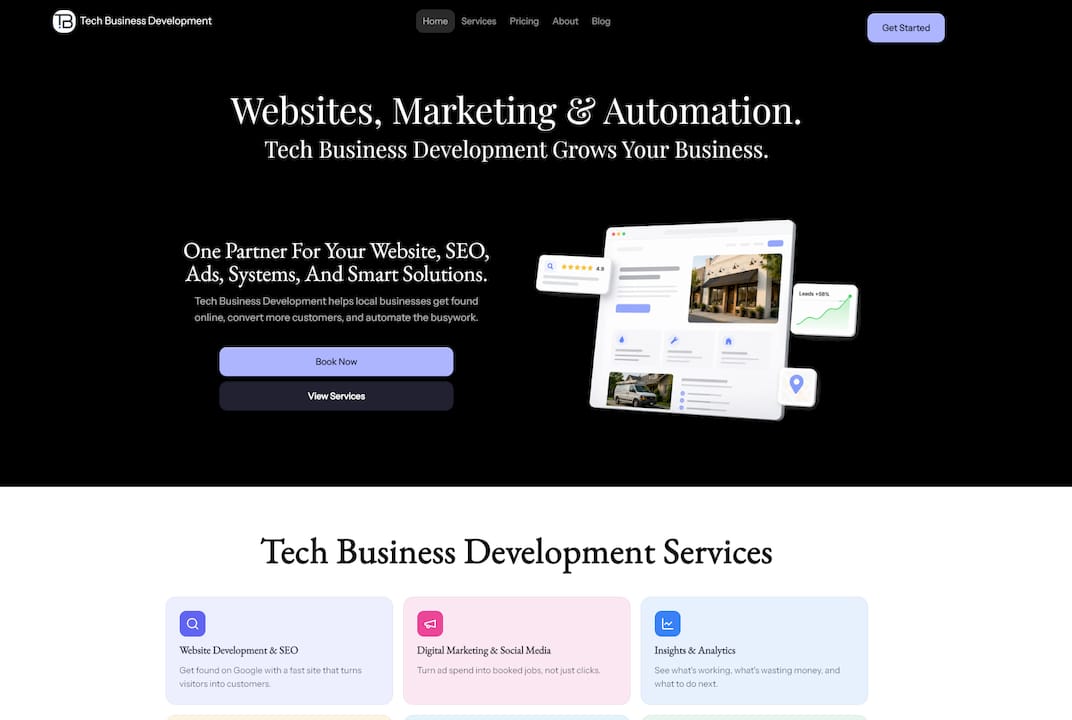
Tech business development builds tailored automation workflows that connect scheduling systems to the tools your business already uses. The setup covers reminder sequences, CRM integration, and post-appointment follow-up automation, all configured to your specific workflow. Operational costs drop by up to 50% when manual admin tasks are replaced with reliable automated processes. Contact Tech business development for a free assessment and find out exactly where your scheduling workflow is losing time and revenue.
FAQ
What is scheduling automation for small businesses?
Scheduling automation is a software system that handles appointment booking, reminders, rescheduling, and follow-up without manual input. It replaces the manual coordination work that typically costs small business teams 10–15 hours per week.
How much does scheduling automation software cost?
Many platforms offer free tiers suitable for small businesses. Paid plans for workflow automation tools start near $9–$20 per month, depending on features and usage volume.
Can scheduling automation reduce no-shows?
Multi-stage reminder sequences sent at 24 hours, 2 hours, and 15 minutes before an appointment reduce no-shows by up to 80%. That is the single most impactful feature to configure first.
How does scheduling automation connect to my existing tools?
Most scheduling platforms support API and webhook integration, which connects them to CRM, billing, and email marketing systems. No-code platforms like Zapier and Make.com handle most of these connections without any developer involvement.
How long does it take to set up automated scheduling?
AI-native scheduling systems can be live in 15 minutes with multi-channel booking active. Full integration with CRM and billing tools typically takes one business day using no-code workflow platforms.